3Dplugin5 · Sheet 01 · The spec tool, working sketch
Tap any part of a building. Get the products that fit, the spec and the quantities.
Drag to turn it. Tap a numbered part. Sample data, real behaviour.
Model A · 3 floors and a basement
Sheet 02 · Look after it
Then the same data looks after the building.
Everything specified becomes a record: what went where, how much, and when to check it. Every check is a reason to call the client.
The contractor wants a cheaper pipe collar, with no fire test for this wall.
The spec is locked, so the change comes to you before it reaches site.
Taller residential buildings in England must keep a digital record of what was built, the “golden thread”. This record can feed it.
Sheet 03 · From the model
It reads the models your clients already have.
Revit and IFC files already name every roof, wall and floor, with sizes. Read them in and the spec, the quantities and the record fill themselves.
The client’s Revit or IFC model
Every roof, wall and floor, with sizes
Products and quantities for each one
A live record, with check dates
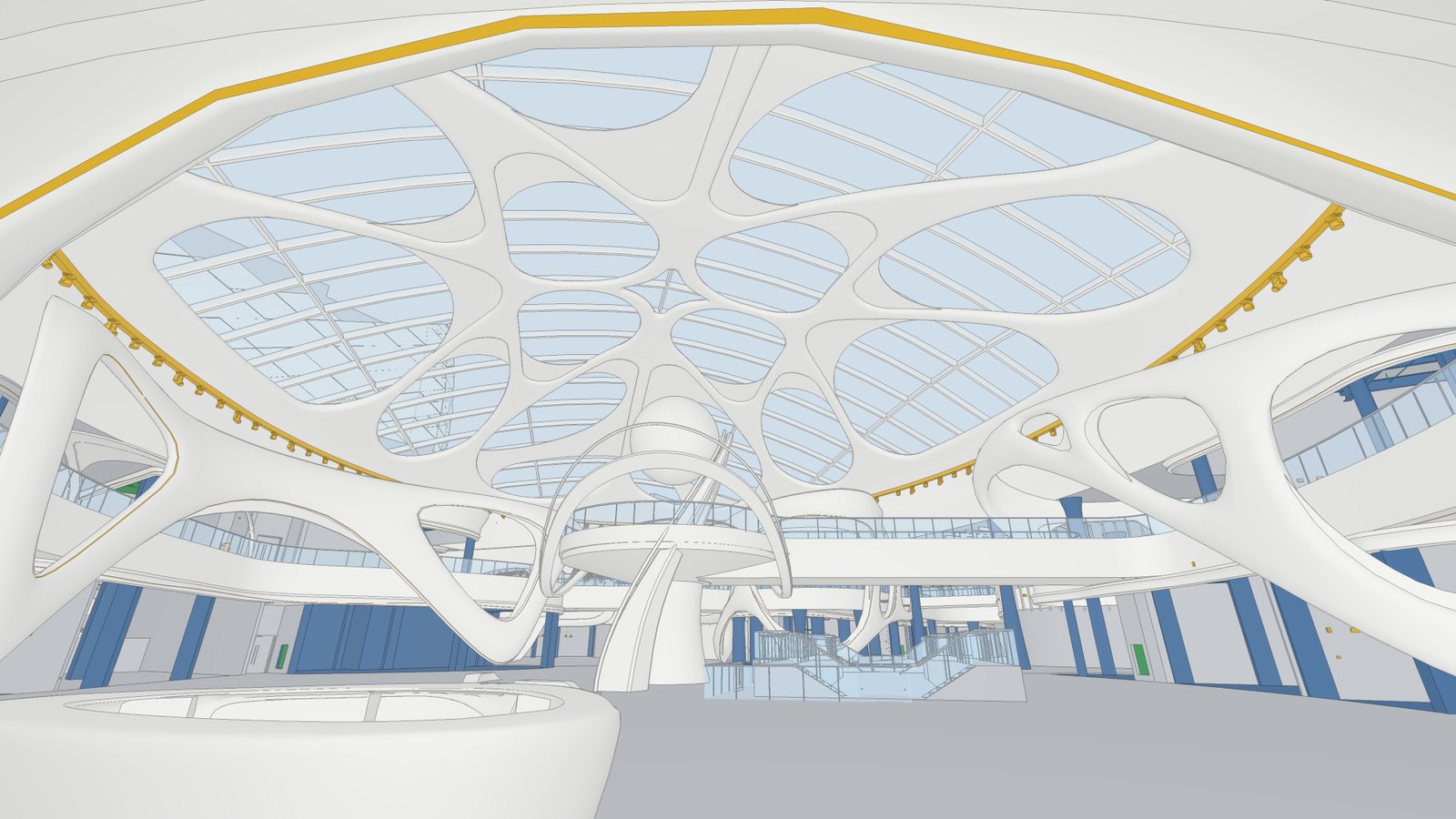

I’ve done this before. SEVEN Al Hamra, Riyadh: I turned the construction model into a building you can walk through in a browser.
See the projectSheet 04 · The team
Who builds it, in six months.
A small core you keep. Contractors for the build, then they roll off.
Two hires, five contractors, one tool live with a sales team by month six.
Sheet 05 · The business case
Put your numbers in. See what it’s worth.
Move the sliders to your own figures. The board paper below updates as you go.
Before the second tool adds re-orders from inspections.
Starting figures are placeholders, not your data.
Sheet 06 · For the directors
Your request to the board, already drafted.
Built from the spec tool, the team plan and your numbers. Name the pilot team, then copy it or download it.
I build products and hire the teams behind them: from the engineering team behind Sky Sports’ VR and on-demand players to a 24‑person delivery team at Napster.